UX Case Study

Designing a Digital Experience for Rituals, Temples, and Cultural Connection

Temple Connect is a mobile product that bridges the gap between faith and accessibility by enabling temple discovery, guided rituals, and priest services for users across locations.

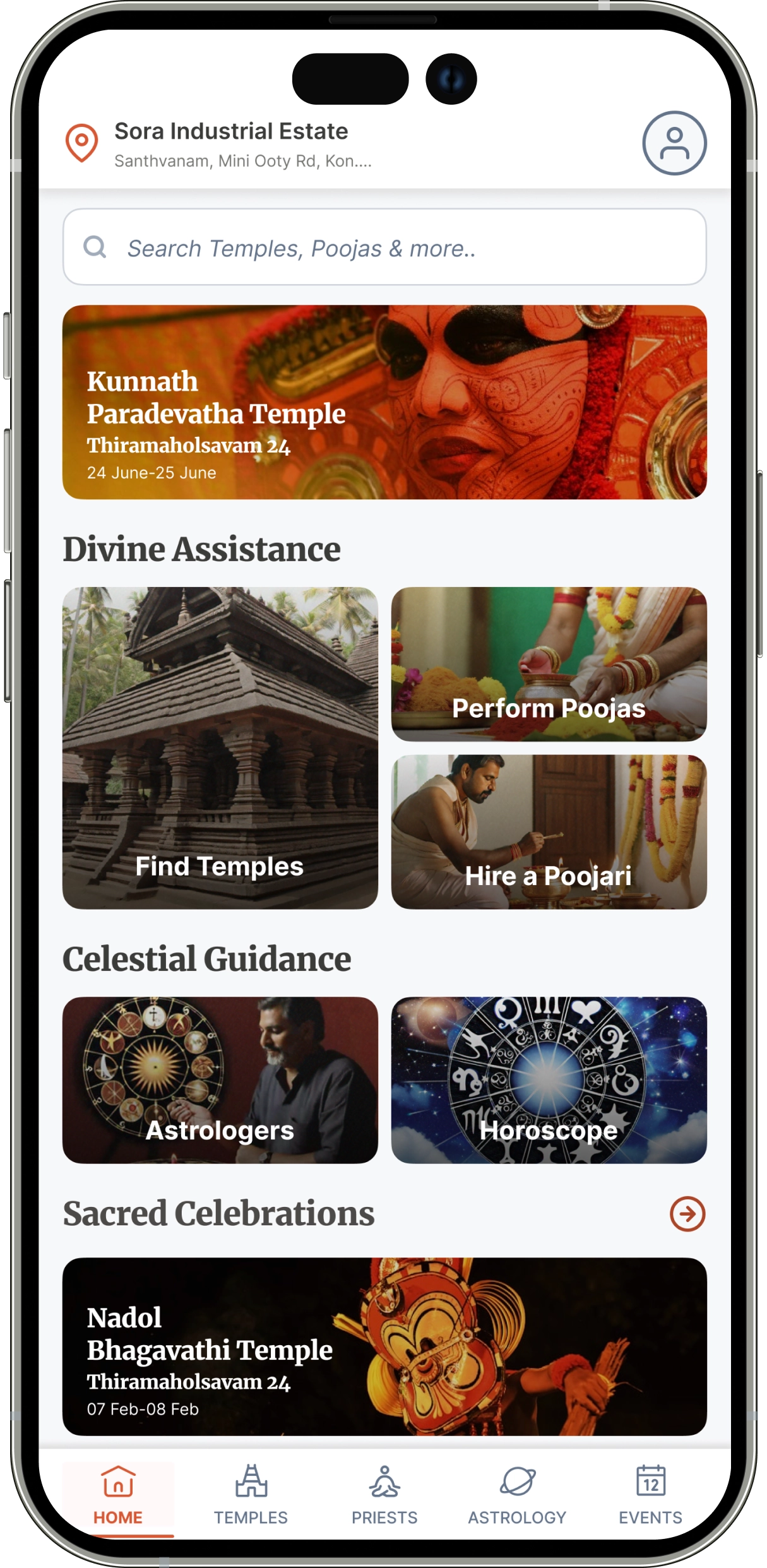
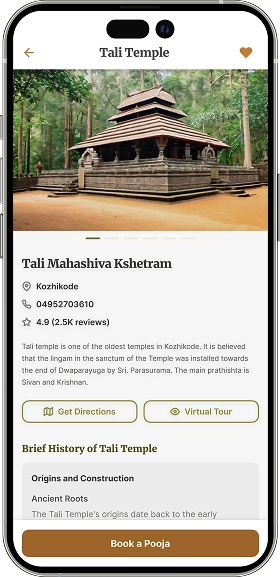
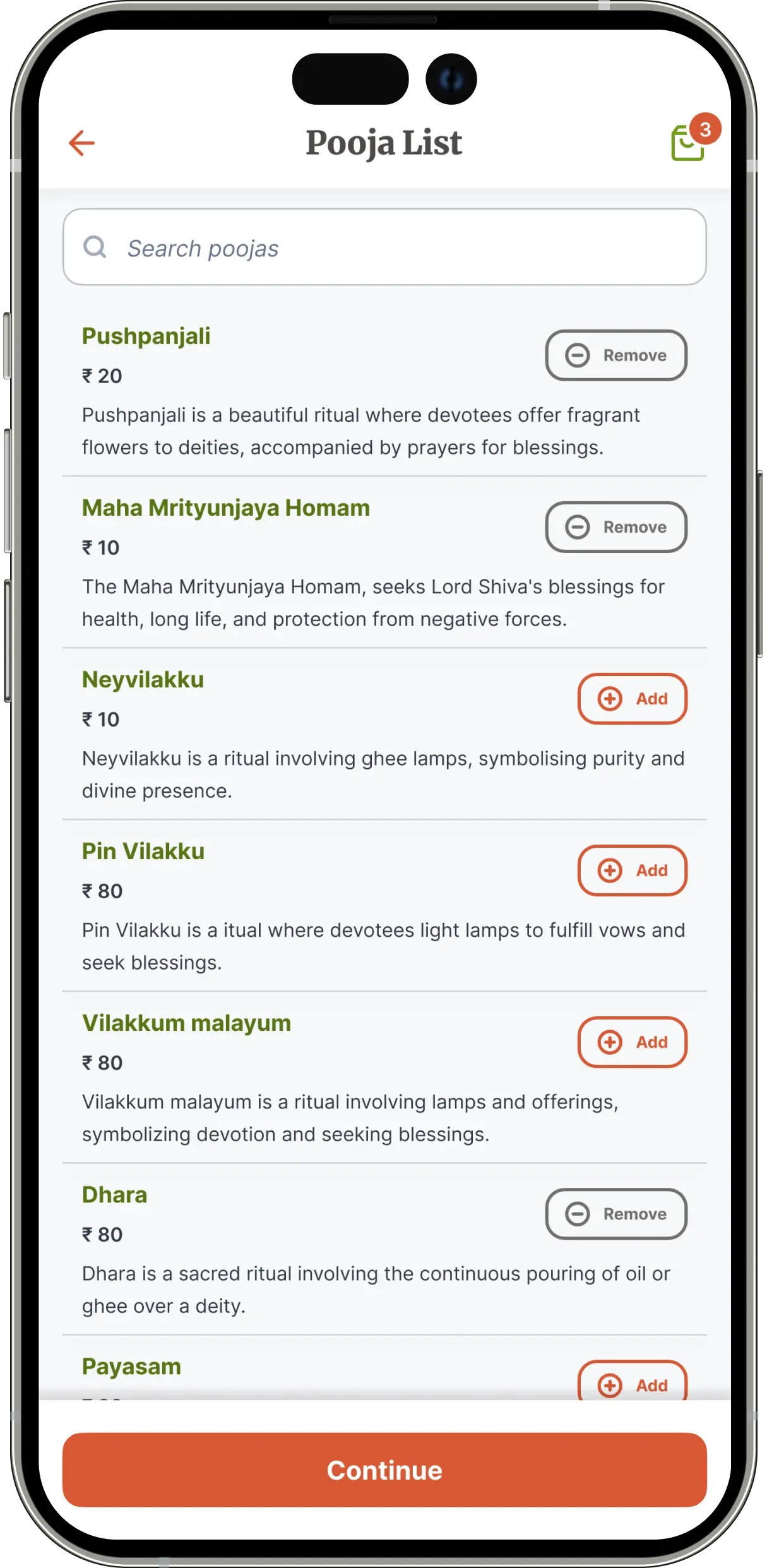
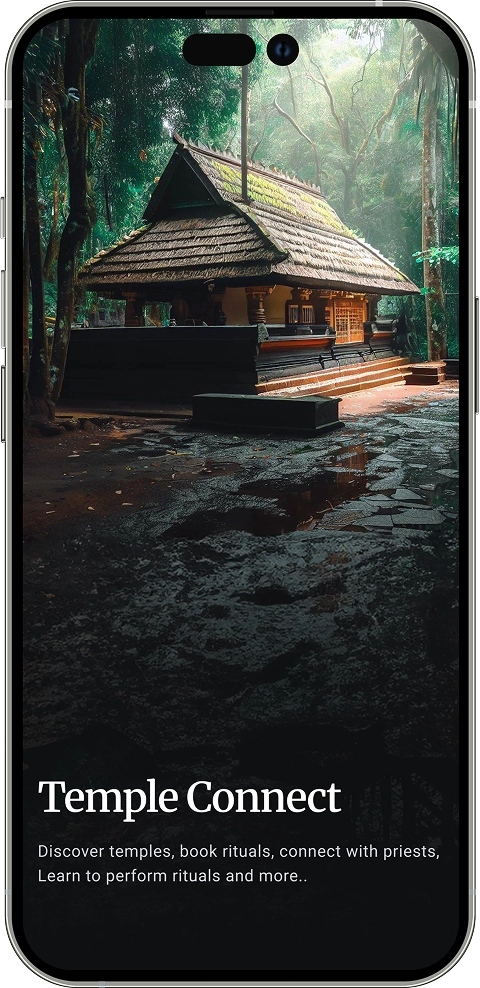
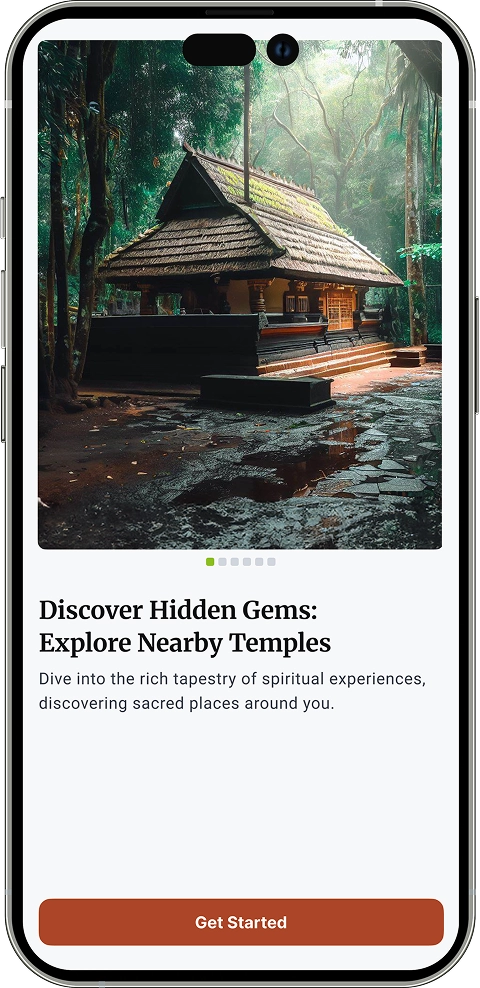
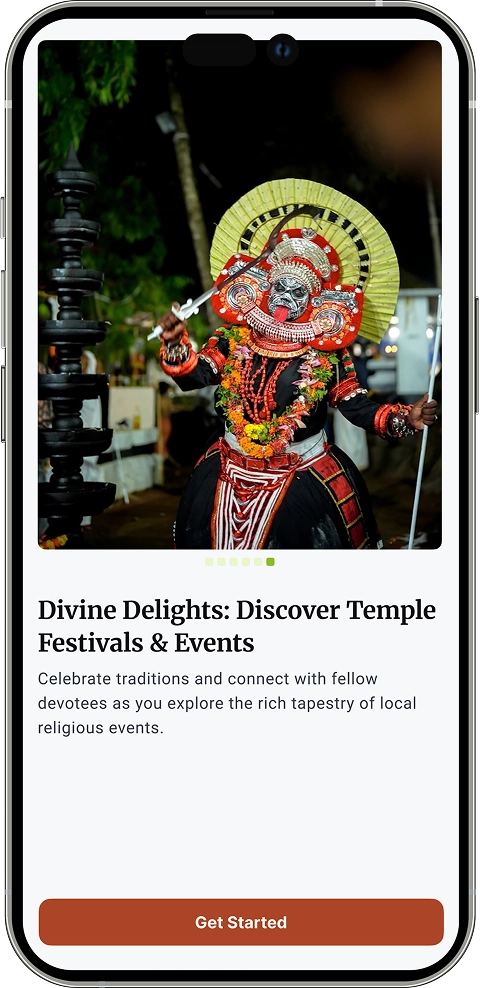
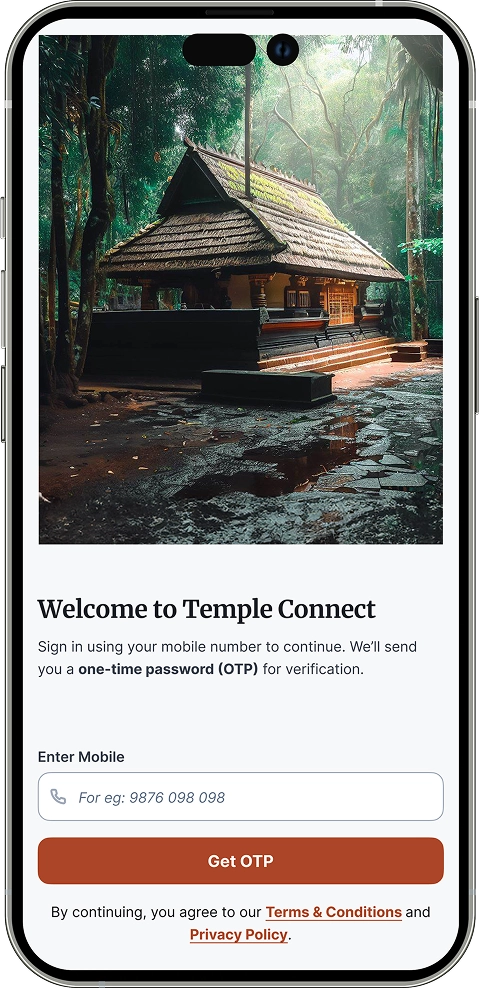
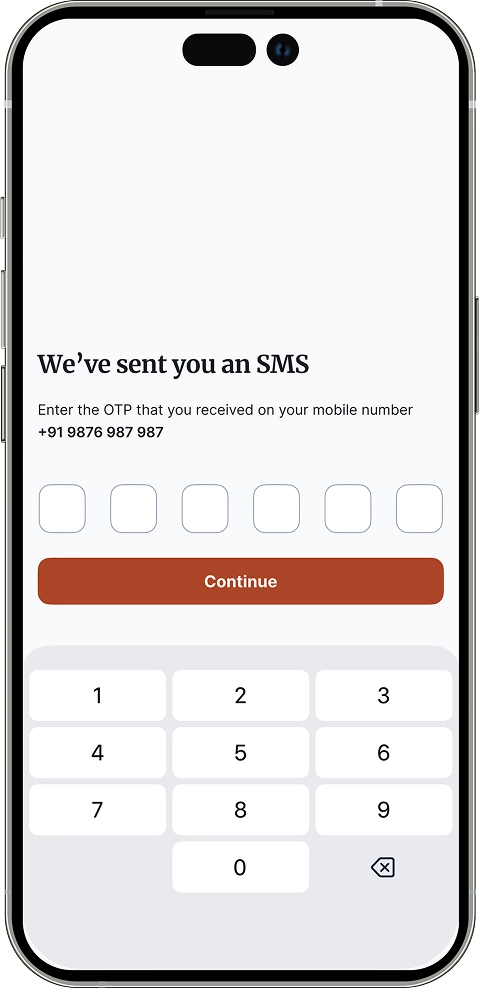
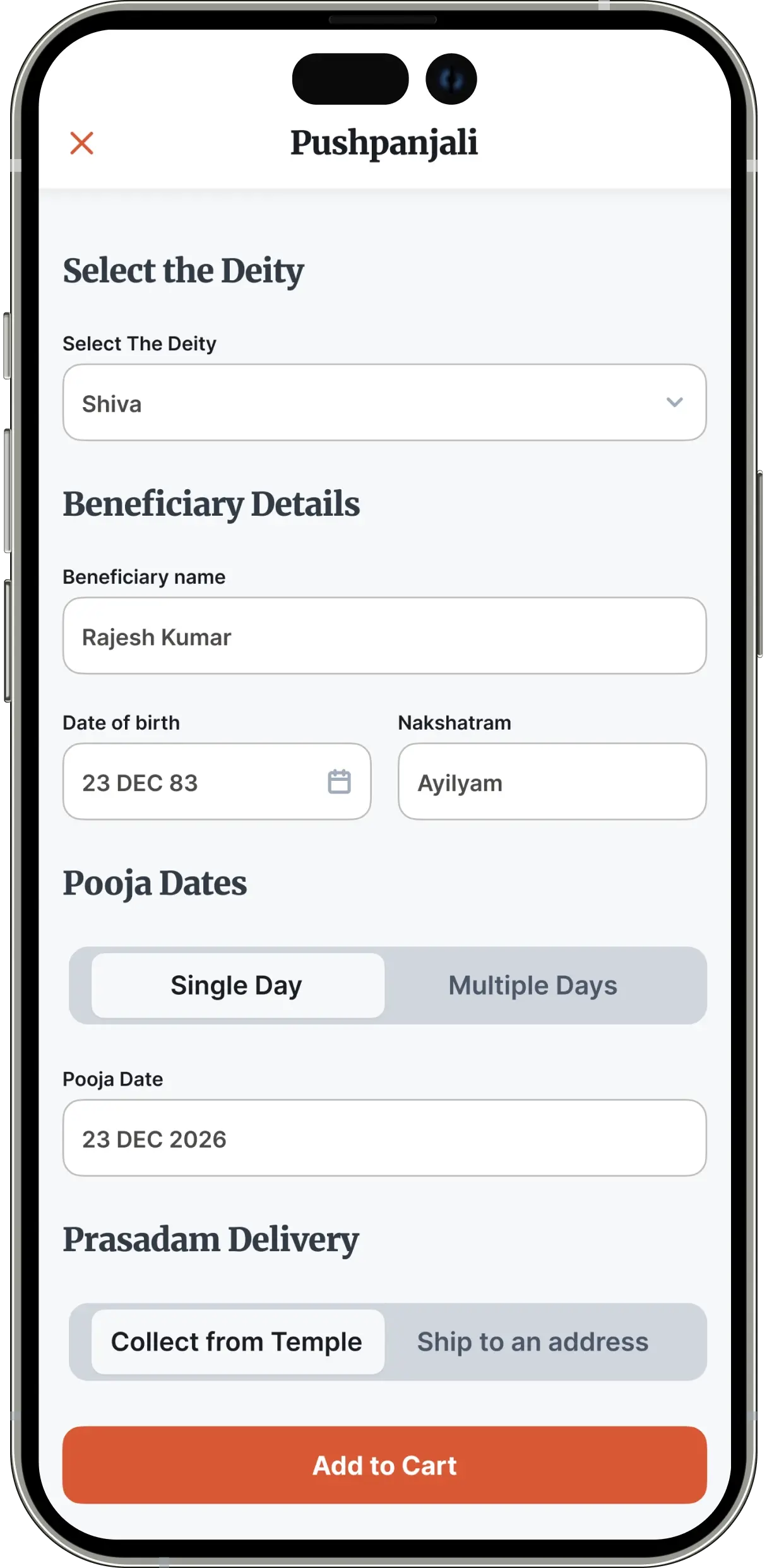
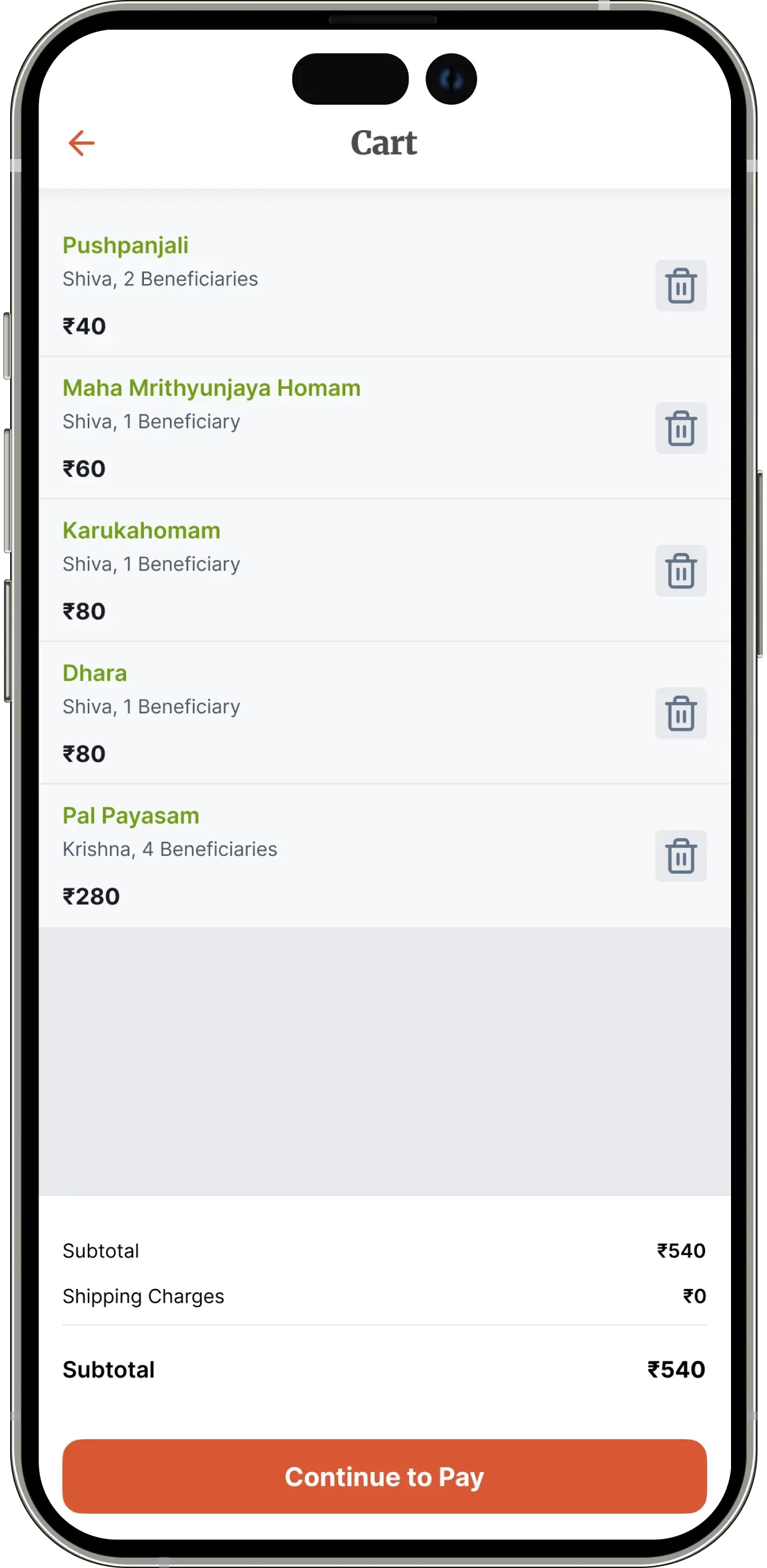
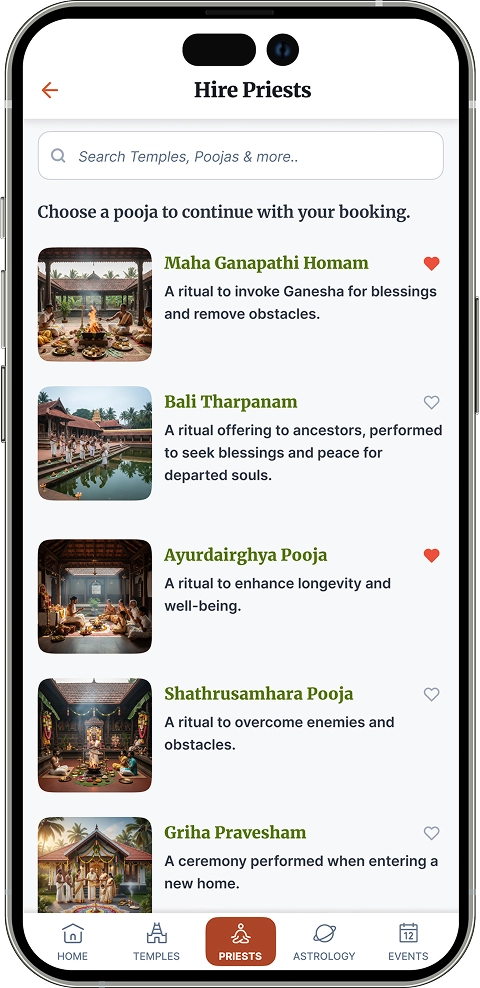
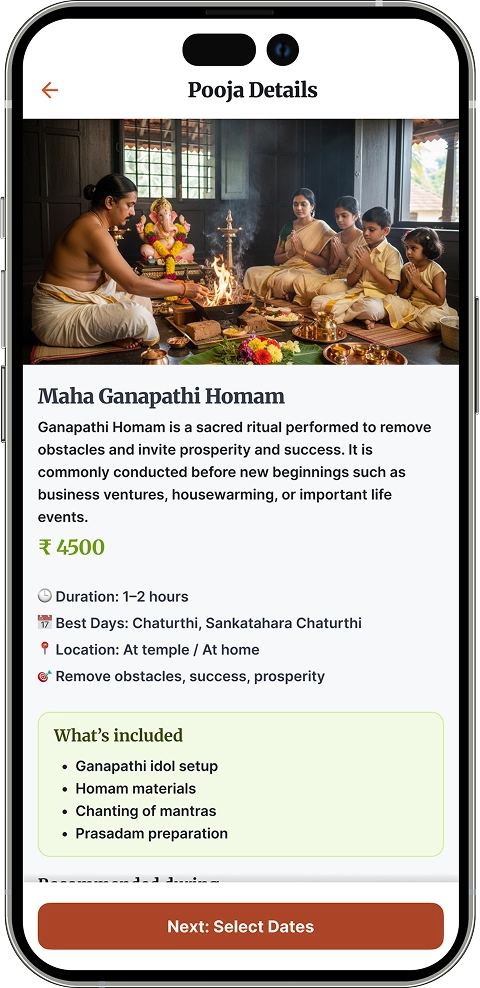
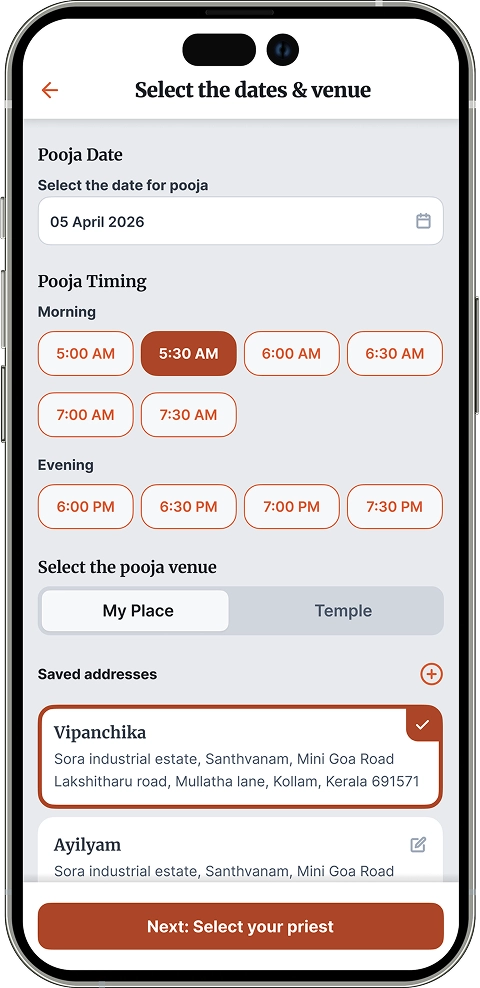
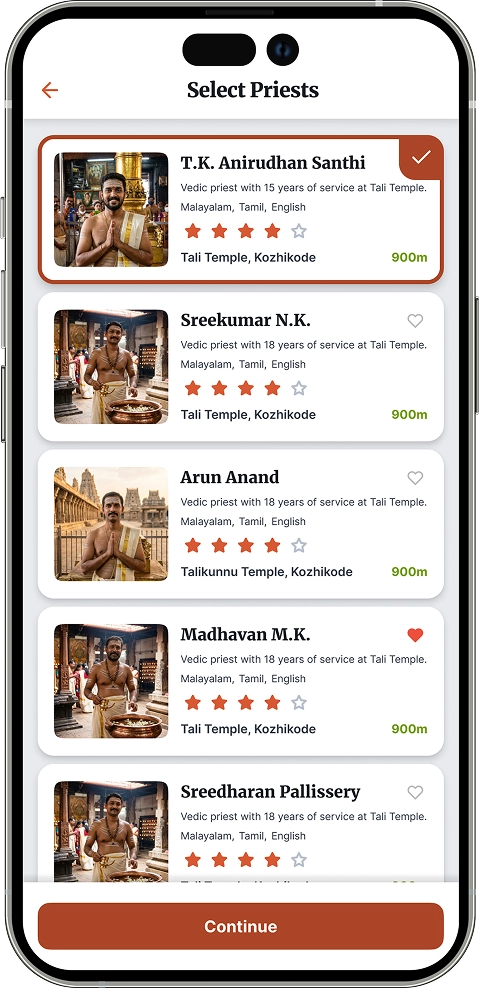
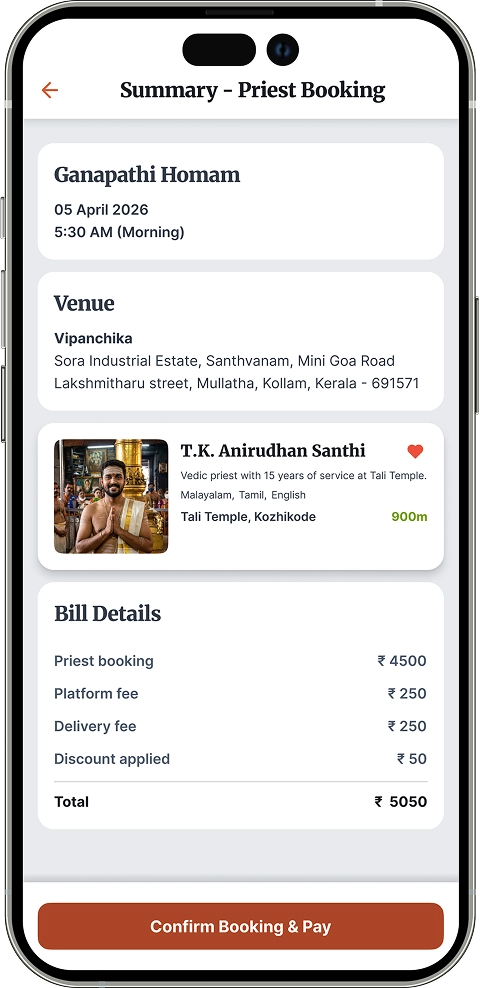
Mobile app screens of Temple Connect showcasing temple discovery, step-by-step ritual learning, and spiritual services
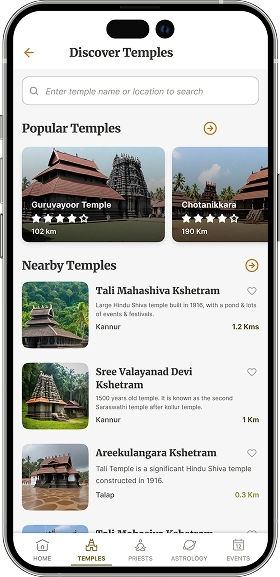
Discover temple screen design for temple connect app
Product details screen for RFID jewellery inventory app showing item information, weight, purity, and current location
Product comparison screen for RFID jewellery inventory app

Introduction

Temple Connect Mobile

Temple Connect is a mobile application designed to help Malayalees stay connected to their religious practices, regardless of location.

It enables users to discover nearby temples, learn how to perform rituals at home, and access temple-related services in a simple and trustworthy way.

Goals

  1. Enable users to discover nearby and lesser-known temples.
  2. Provide simple, step-by-step guidance for performing rituals at home.
  3. Create a trustworthy platform to book priests and services.
  4. Help NRKs stay connected to cultural and religious practices.
  5. Make the app accessible and easy to use for elderly users.
  6. Build a scalable platform for future services like astrology.
  • Role
    Product Designer (End-to-end)
  • Responsibilities
    UX Research, Product Strategy, UI Design, Prototyping
  • Timeline
    6 Weeks
  • Platform
    iOS & Android

Problem

Religious rituals are an important part of everyday life for many Malayalees. However, changing lifestyles and geographic distance have made it increasingly difficult to practice them consistently.

Many people, especially elderly users and Non-Resident Keralites, face challenges such as:

  • Not knowing how to perform rituals correctly
  • Limited access to trusted priests
  • Difficulty discovering temples beyond well-known ones
  • Lack of structured digital solutions

The client’s vision was to bridge this gap by creating a platform that brings rituals, temples, and guidance into one accessible ecosystem.

Research Summary

Key insights from market and user research

Market Research
  • Religious practices remain culturally important but are location-dependent
  • Increasing migration has created a gap in access to temples and rituals
  • Existing solutions are fragmented and focus mainly on transactions
  • Limited digital presence for smaller, emotionally significant temples
  • Kerala has highest literacy rates and digital adoption rates, with over 70% of the population having access to smartphones.
User Research
  • Rituals are performed occasionally, not as a regular practice
  • Strong emotional connection to rituals like pithrutharpanam
  • Lack of knowledge and confidence in performing rituals independently
  • Users rely on priests, relatives, or online content for guidance
  • Elderly users struggle with accessibility and complex interfaces

Stakeholder Insights

Business vision, user needs, and product direction

Business Vision
  • Connect Malayalees with rituals digitally
  • Bridge gap between diaspora and traditions
  • Centralized platform for rituals and temples
Value Proposition
  • Book poojas and rituals online
  • Guidance for performing rituals at home
  • Access lesser-known temples
  • Book priests for ceremonies
Business Goals
  • 5,00,000 downloads in 6 months
  • 5,000 temples onboarded in 1 year
  • Build a scalable platform
Target Users
  • Elderly users in Kerala
  • NRKs in India and abroad
  • Future expansion across South India
Pain Points
  • No reliable platform for booking rituals
  • Lack of ritual guidance
  • Limited info on smaller temples
Current Workarounds
  • Calling priests or asking relatives
  • Visiting nearby temples physically
  • Using videos or religious texts
  • Seeking guidance from spiritual leaders
Product Scope
  • Mobile apps (Android & iOS)
  • Web application
  • Video call & meeting integrations
  • Design system and style guide

Competitor Analysis

Evaluating existing solutions to identify gaps and opportunities

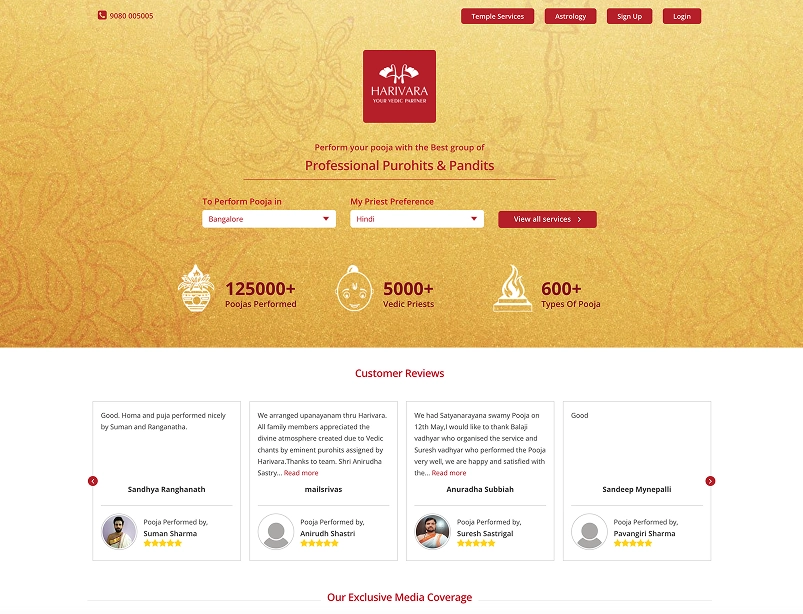
Harivara
Screenshot of competitor temple and hindu ritual service apps

What Works

  • Multiple pooja booking options
  • Wide range of temples

Limitations

  • Complex navigation
  • Not optimized for elderly users
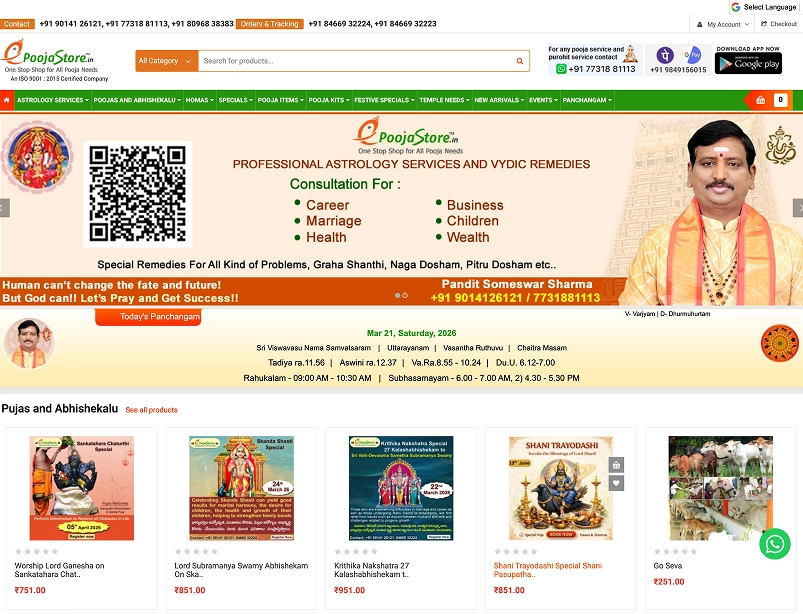
ePooja
Screenshot of competitor temple and hindu ritual service apps

What Works

  • Simple online booking
  • Quick access to services

Limitations

  • No ritual guidance
  • Feels transactional
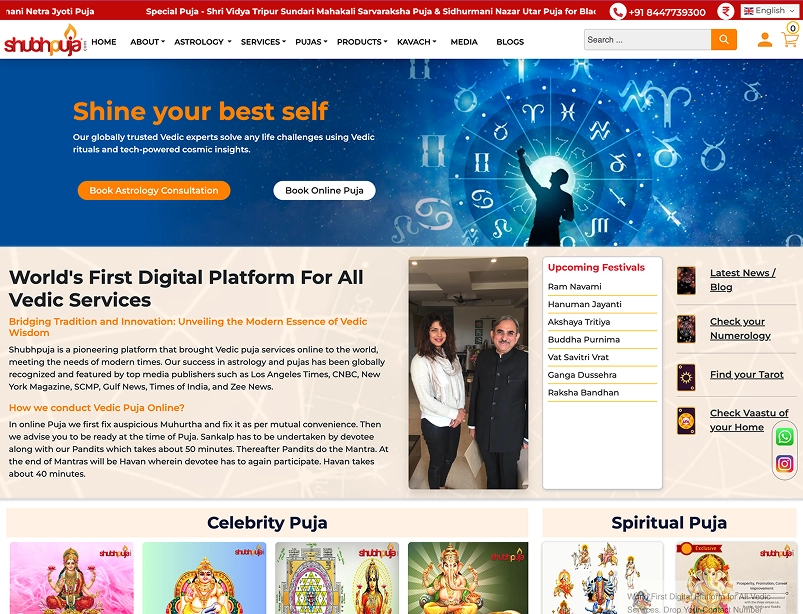
Shubh Pooja
Screenshot of competitor temple and hindu ritual service apps

What Works

  • Priest booking services
  • Multiple offerings

Limitations

  • Limited regional relevance
  • Lack of transparency
How This Influenced My Design
Guided rituals for home use
Emotion-first design approach
Simplified elderly-friendly UX
Local temple discovery
Local temple festivals
Transparent booking flows

Style Guide

Design system foundations for consistency and scalability

Typography

Merriweather — Headings

Used to bring a refined and classic tone to the interface.

Inter — Body & UI

Used for readability across body text, labels, and captions.

Colors
Primary #8BBF21
Accent #D85834
Neutral #64748B

Includes tints and shades, along with semantic colors (red, yellow, green).

Icons

Used Feather Icons as the base icon library.

Custom icons were created for specific use cases such as temple-related elements.

Spacing System

Based on an 8-point grid system for layout consistency.

4-point vertical rhythm used for fine spacing adjustments.

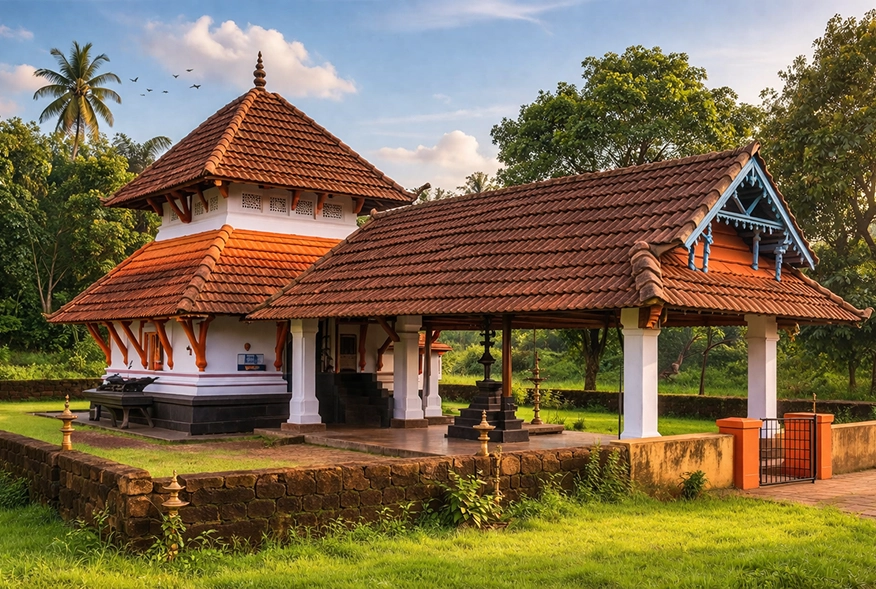
Kerala temple architecture and natural surroundings inspiration
Color Palette Rationale

The color palette was inspired by the visual identity of Kerala temples. The primary green reflects the lush natural surroundings, while the accent saffron tone draws from traditional temple roofing. Neutral tones are derived from temple walls and stone textures, creating a balanced and culturally rooted visual language.

Hi-Fi Design Iterations

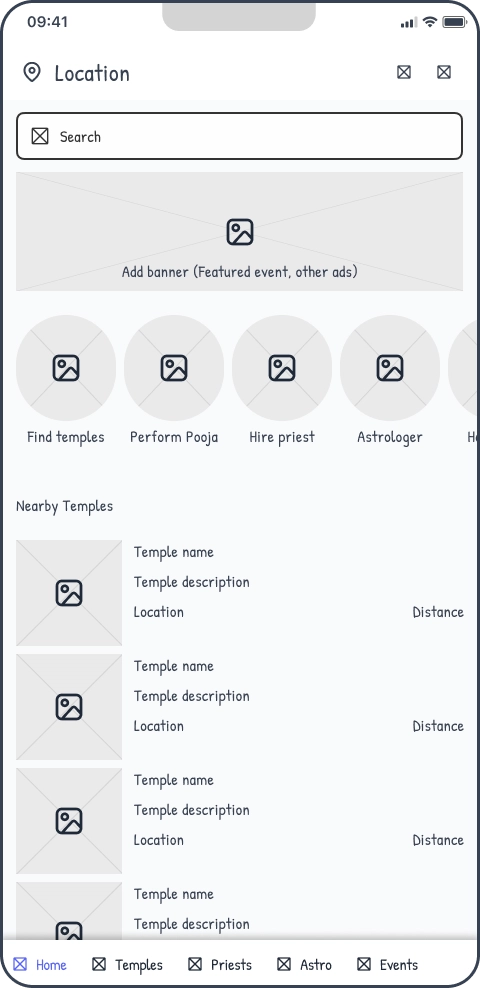
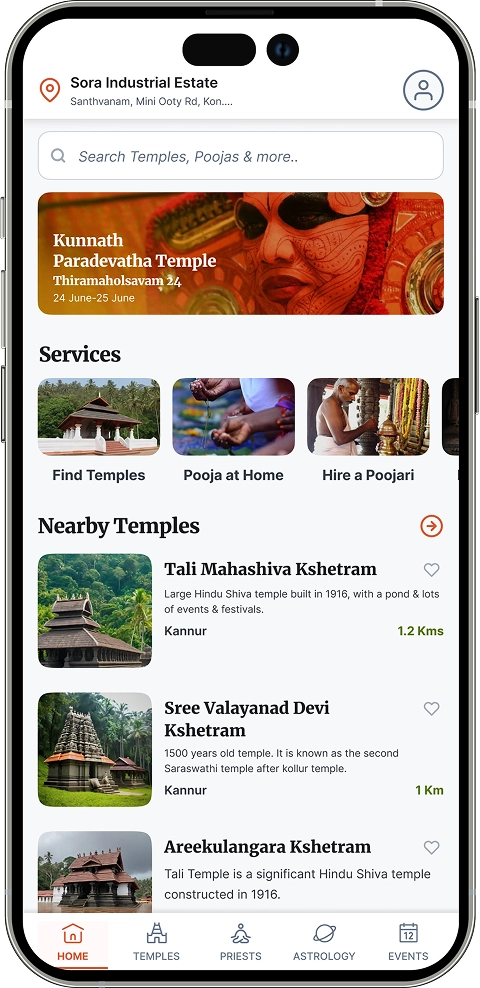
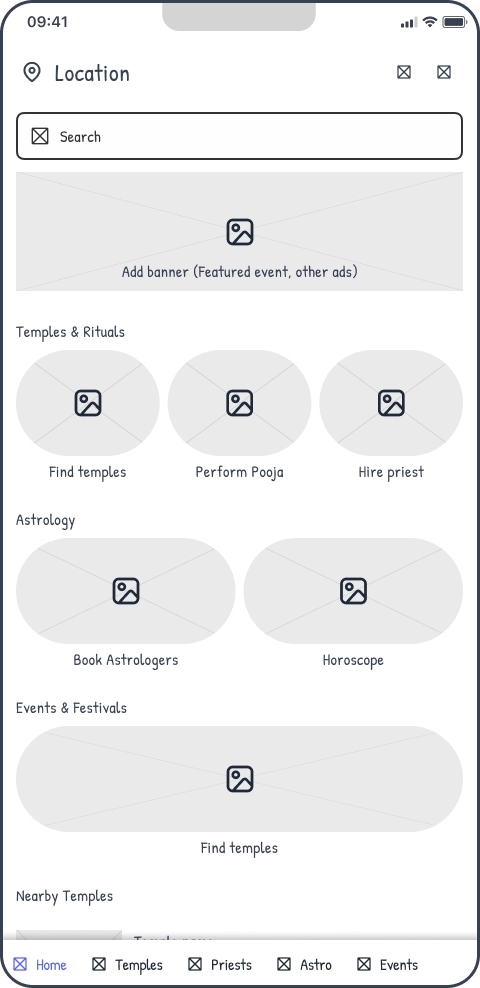
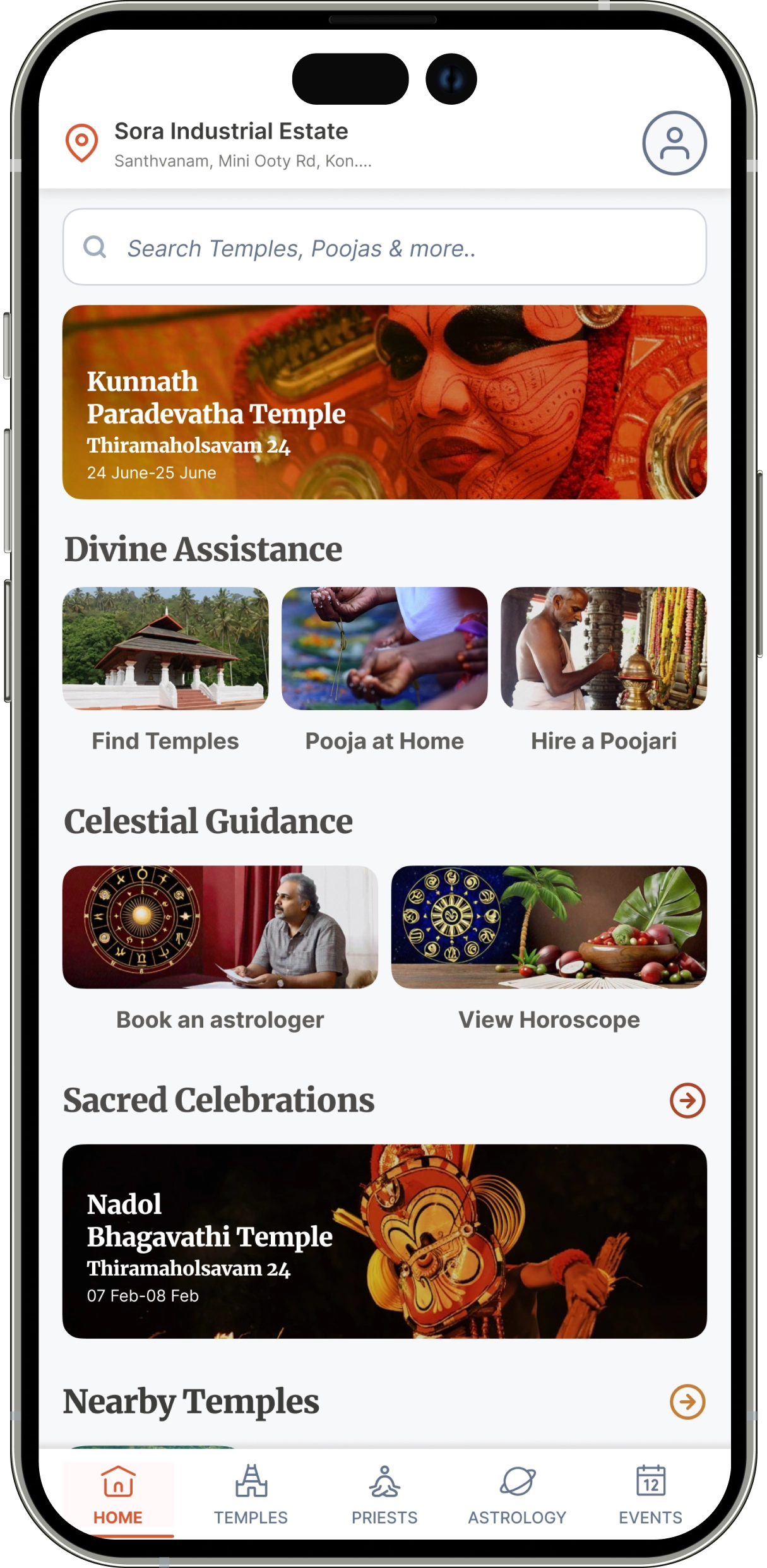
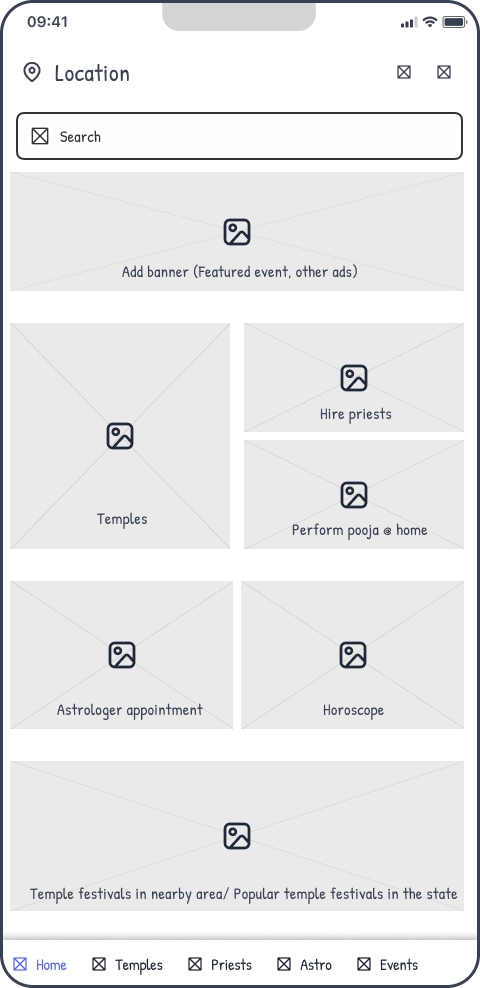
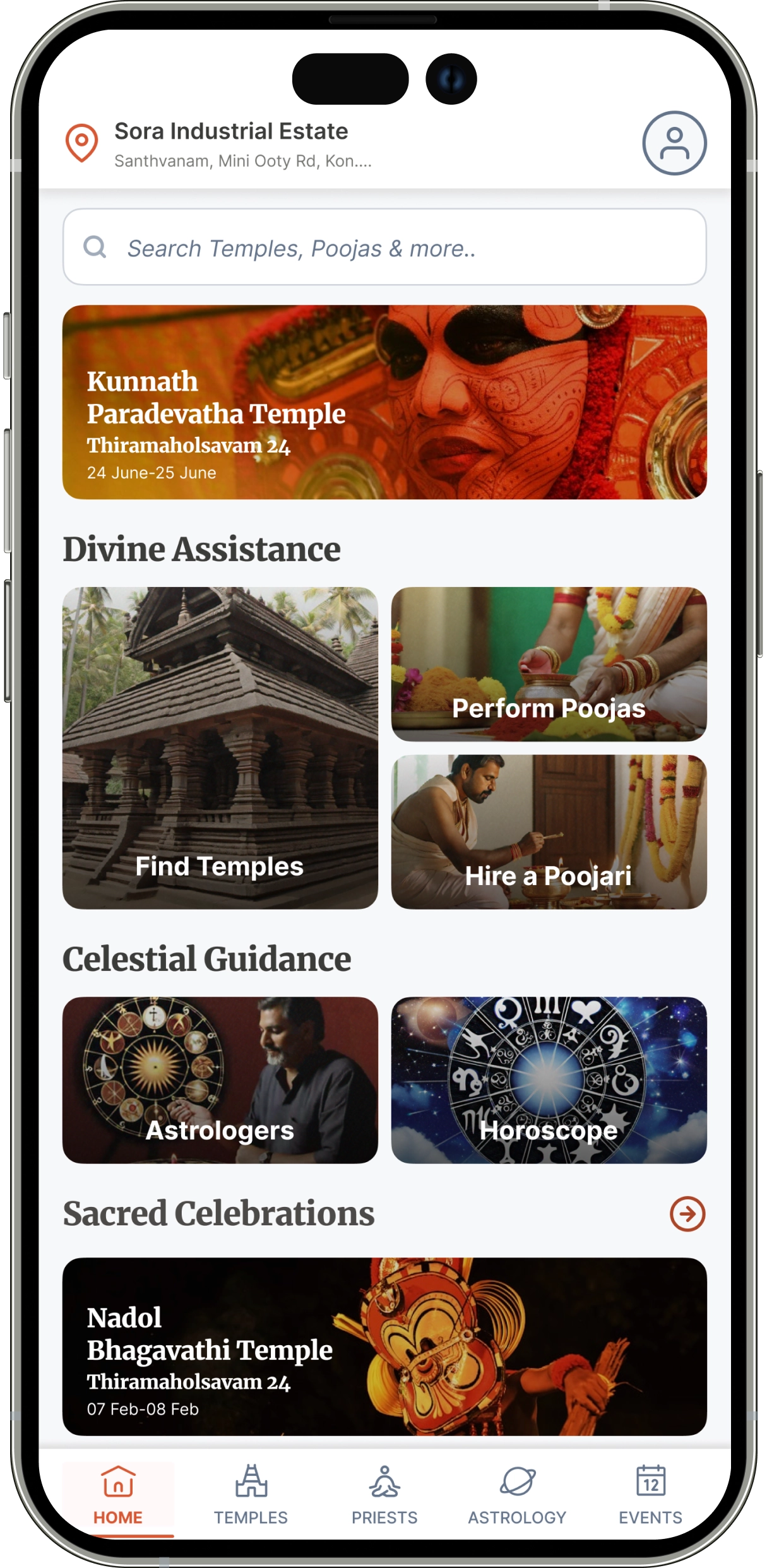
Evolving the home screen for better accessibility and usability

Initial home screen design with dense text and limited accessibility

Initial Design

Redesigned home screen with bento grid layout and improved readability

Improved Design

Iteration Insight

The initial home screen design relied heavily on text, which made it difficult for elderly users to read and navigate. Based on this feedback, the layout was redesigned using a bento grid approach to improve visual hierarchy and accessibility. Key services and features were surfaced upfront, followed by nearby temples, making the experience more intuitive and easier to scan.

Contact

Let's Work Together

If you’re looking for a product designer who values clarity, collaboration, and long-term thinking, feel free to reach out. Share a bit about what you’re building and I’ll take it from there.

Valid first name is required.
Valid last name is required.
Your email is required.
Message is required.